DocsUsing Hex1 min read
Commands & shortcuts
⌘K, slash commands, @ mentions and keyboard shortcuts.
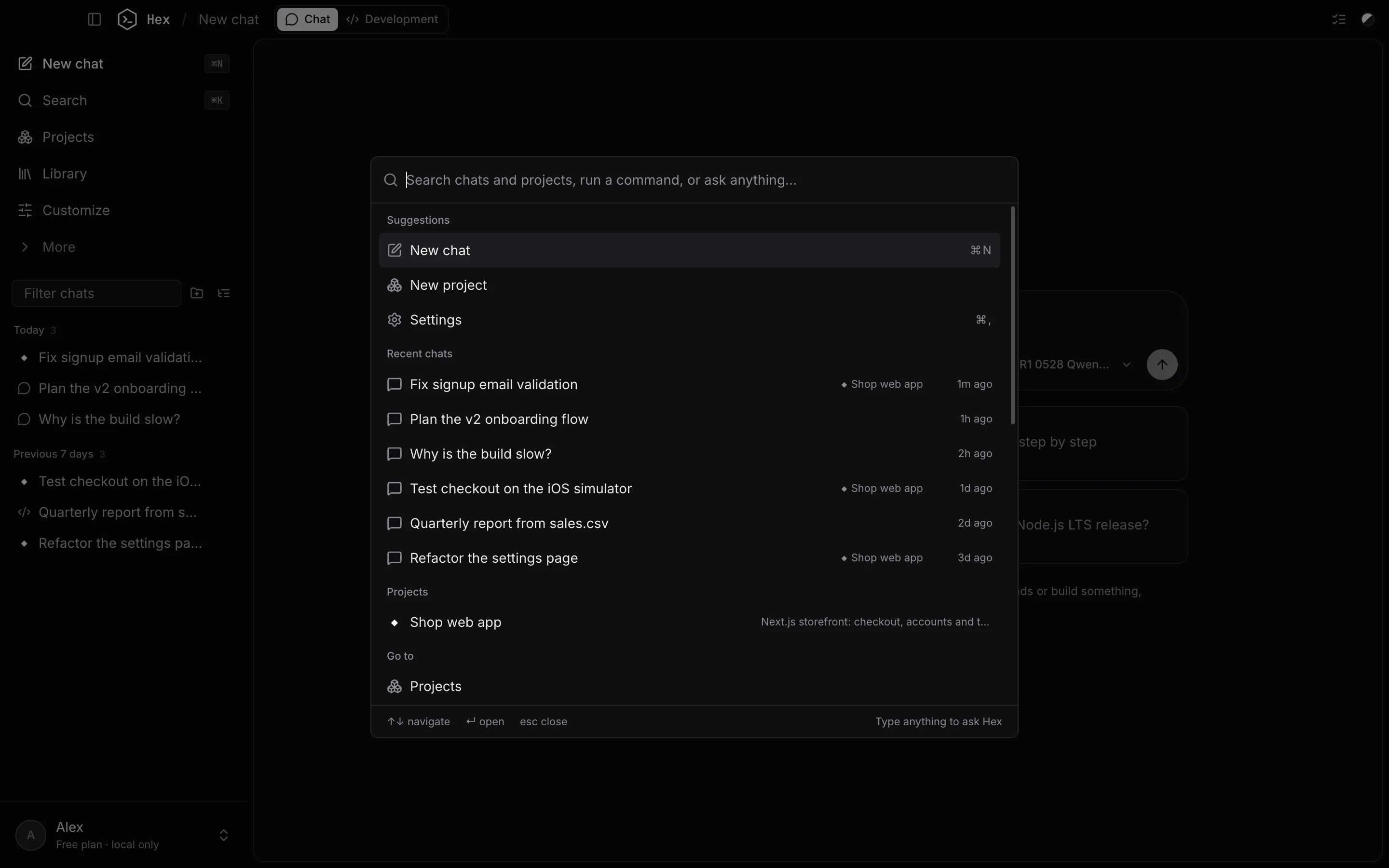
⌘K
Search chats and projects, open any pane or page, change the theme, or type a question to start a chat with it.
Slash commands
Type / at the start of a message:
| Command | What it does |
|---|---|
/init | Create a HEX.md with instructions for this project |
/review | Review uncommitted changes for bugs |
/test | Run the tests and fix failures |
/commit | Write a commit for the current changes |
/plan, /ask, /auto | Switch the agent mode |
/effort | Set how hard the model thinks |
/compact | Summarise older messages to free up context |
/context | Show what's using the context window |
/export | Save this chat as Markdown |
/terminal, /files | Open the terminal or files pane |
/new | Start a new chat |
You can also add your own: put Markdown files in .hex/commands/ in a project, or in ~/.hex/commands/ for every project.
Keyboard shortcuts
| Keys | Action |
|---|---|
| ⌘K | Command menu |
| ⌘N | New chat |
| ⌘, | Settings |
| ⌘\ | Show or hide the sidebar |
| ⌘J / ⌘E / ⌘B | Terminal / Files / Browser |
| ⇧⌘P / ⇧⌘D / ⇧⌘G | Plan / Changes / Git |
| ⇧⌘Y / ⇧⌘I / ⇧⌘A | Devices / Context / Activity log |
| ⇧⌘M / ⇧⌘L | System monitor / Models |
| ⇧⌘Return | Maximise the focused pane |
| ⇧Tab | Switch agent mode |
| @ | Attach a file from the project |
Something unclear or out of date? Email jangidp318@gmail.com.