Hex for Mac
Free, with built-in models that run on your Mac. Sign up free in the app; no card needed.
M1, M2, M3, M4 and newer · 116 MB
Macs with an Intel processor · 123 MB
Version 0.2.0 · released October 6, 2026 · Not sure which Mac you have? Open the Apple menu → About This Mac.
Checksums (SHA-256)
Apple Silicon: f8400aed1e81a9198182f8cb23752e25347b41b8eae4f5cea55d555a79ffccb4
Intel: 52152c4d95a3374edb1178c800e382d9ee635d772d4c098c60c13614dc0e71cd
Three steps
From download to first chat in minutes.
Download
Choose Apple Silicon for any Mac with an M-series chip, or Intel for older Macs.
Install
Open the .dmg and drag Hex to Applications, then open it from Applications.
Get a model
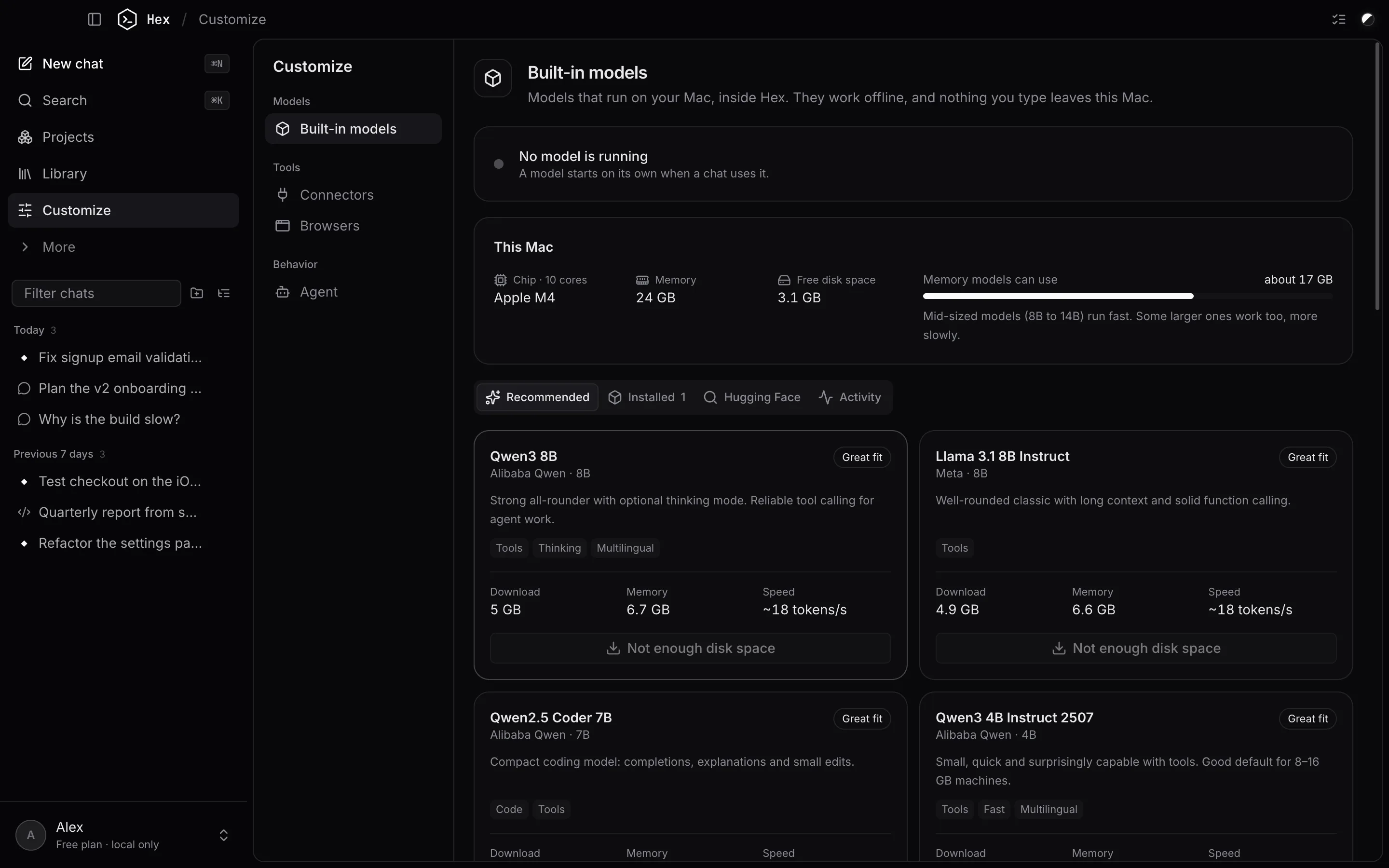
Hex recommends models that fit your Mac. Download one (2 to 8 GB) and start chatting.
System requirements
macOS 12 Monterey or later
Apple Silicon (M1 and newer) or Intel.
8 GB of memory, 16 GB+ recommended
More memory lets you run larger, smarter models.
About 3 to 10 GB free
For the app and one or two models.
Apple Silicon recommended
Models run on the GPU with Metal and are much faster.
Opening Hex the first time
If macOS says it can't check Hex for malicious software, Control-click Hex in Applications, choose Open, then Open again. You only need to do this once.
Check your download
Compare the checksum listed under the download buttons with your file:
shasum -a 256 ~/Downloads/Hex-*.dmg
Hex checks for new versions when it starts and offers the download in Settings → About.
On another computer?
The web app is Hex's Chat in any browser. With Pro, your synced chats and projects are there too. It uses your own model provider API key.
Open the web appWindows and Linux
Hex 1.0 is for macOS only. Windows and Linux versions aren't available yet.
FAQ